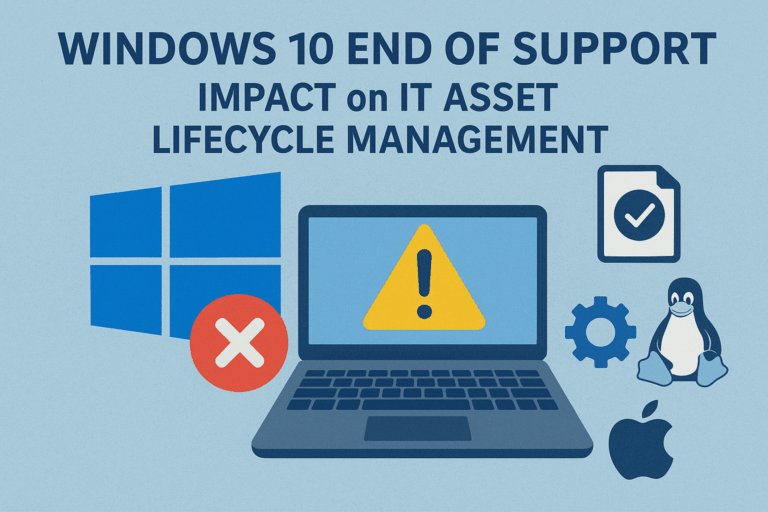
Microsoft has officially announced the end of support for Windows 10 on 14 October 2025. For many organizations, this milestone raises urgent questions: What are the risks of staying on Windows 10? What are the available options? And how can companies make the right strategic decision for their IT landscape?
As a Senior Technical Consultant for IT Asset Management (ITAM), I want to highlight the implications of this change and how it ties directly into your IT Asset Lifecycle Management, compliance, and cost control.
Why the End of Support Matters
When Microsoft ends support for an operating system, organizations no longer receive:
-
Security updates to protect against new vulnerabilities
-
Bug fixes and stability improvements
-
Technical support from Microsoft
Running an unsupported OS puts your business at risk of cyberattacks, compliance violations, and rising operational costs. That’s why it is critical to plan ahead.
Your Strategic Options
1. Paying for Extended Support
Pros:
-
Buys additional time for a smooth transition.
-
Maintains compatibility with legacy applications.
-
Lower short-term disruption for employees.
Cons:
-
Extended Security Updates (ESUs) are expensive and typically rise in cost each year.
-
Only delays the inevitable migration.
-
Does not provide new features or long-term value.
👉 Recommended only as a short-term bridge for organizations with complex legacy dependencies.
2. Upgrading to Windows 11
Pros:
-
Long-term Microsoft support and security updates.
-
Access to modern features, better performance, and improved user experience.
-
Streamlined deployment if your hardware is already compatible.
Cons:
-
Hardware requirements are stricter (e.g., TPM 2.0, newer CPUs).
-
Potential compatibility issues with older software or custom applications.
-
Upgrade projects can be costly in terms of resources and time.
👉 Best suited for organizations already invested in the Microsoft ecosystem and with modern hardware.
3. Migrating to Linux
Pros:
-
Open-source, lower licensing costs.
-
High stability and strong security reputation.
-
Wide range of distributions for different needs.
Cons:
-
Application compatibility can be a challenge, especially with Windows-only software.
-
Requires user training and adaptation.
-
Limited support for some enterprise applications.
👉 A good choice for organizations with specific workloads or a strong DevOps/open-source culture.
4. Switching to Apple macOS
Pros:
-
Strong integration of hardware and software.
-
Longer device lifespan compared to many Windows PCs.
-
High user satisfaction and strong security ecosystem.
Cons:
-
Higher upfront hardware costs.
-
Compatibility issues with Windows-only enterprise software.
-
Migration complexity in mixed environments.
- Shorter OS support cycles than Windows.
👉 Fits organizations where creative or developer teams already rely on Apple devices.
The Link to IT Asset Lifecycle Management
No matter which option you choose, the Windows 10 end of support highlights a critical reality: you cannot make strategic IT decisions without a clear view of your IT assets.
Effective IT Asset Management (ITAM) ensures that you:
-
Know exactly which devices and operating systems are in use across the company.
-
Maintain software license compliance, avoiding legal and financial risks.
-
Control security exposure, by identifying outdated or unsupported systems.
-
Manage costs across the IT lifecycle, from procurement to retirement.
Without a structured IT Asset Lifecycle Management approach, companies risk overpaying for extended support, missing deadlines for upgrades, or leaving critical systems vulnerable.
Conclusion
The end of support for Windows 10 is not just an IT project—it’s a business decision. Organizations that act proactively will ensure compliance, security, and cost efficiency. Those that delay risk being forced into costly emergency measures.
As a Senior Technical Consultant specialized in IT Asset Management (ITAM), I help organizations navigate these challenges. From building a clear asset inventory to defining a long-term IT lifecycle strategy, I ensure your business is ready for change and positioned for success.
If your organization needs expert guidance on IT Asset Lifecycle Management or planning for the Windows 10 end of support, feel free to reach out.